DJI Neo 2 Hidden Audio Feature: Record Clean Sync Sound During Flight With Just Your Phone
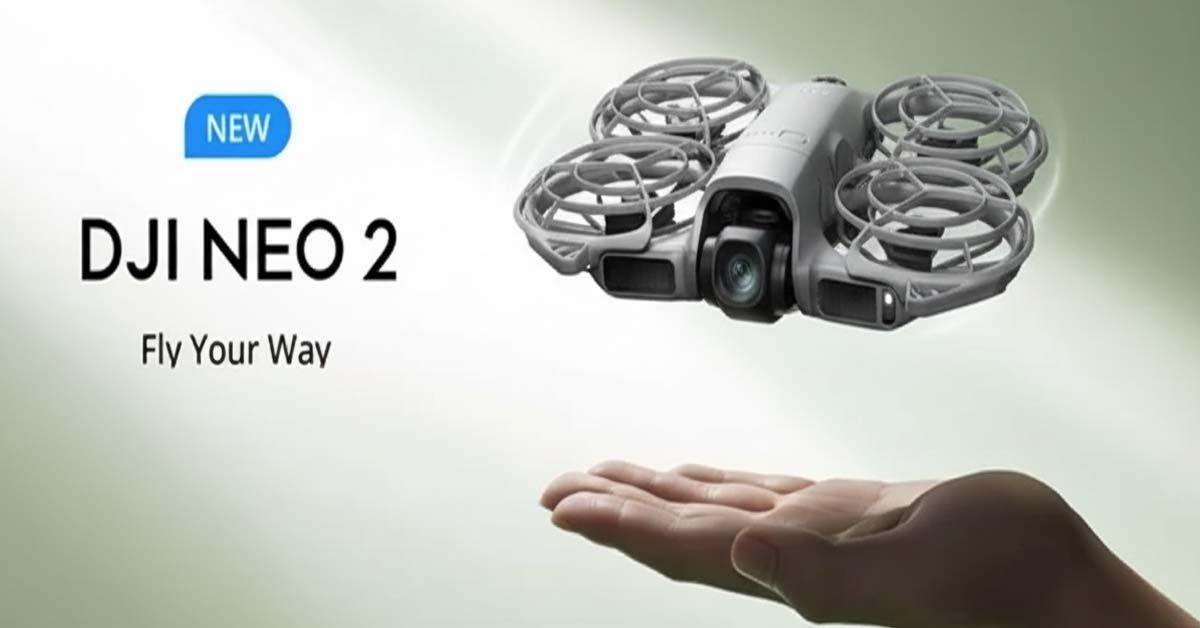
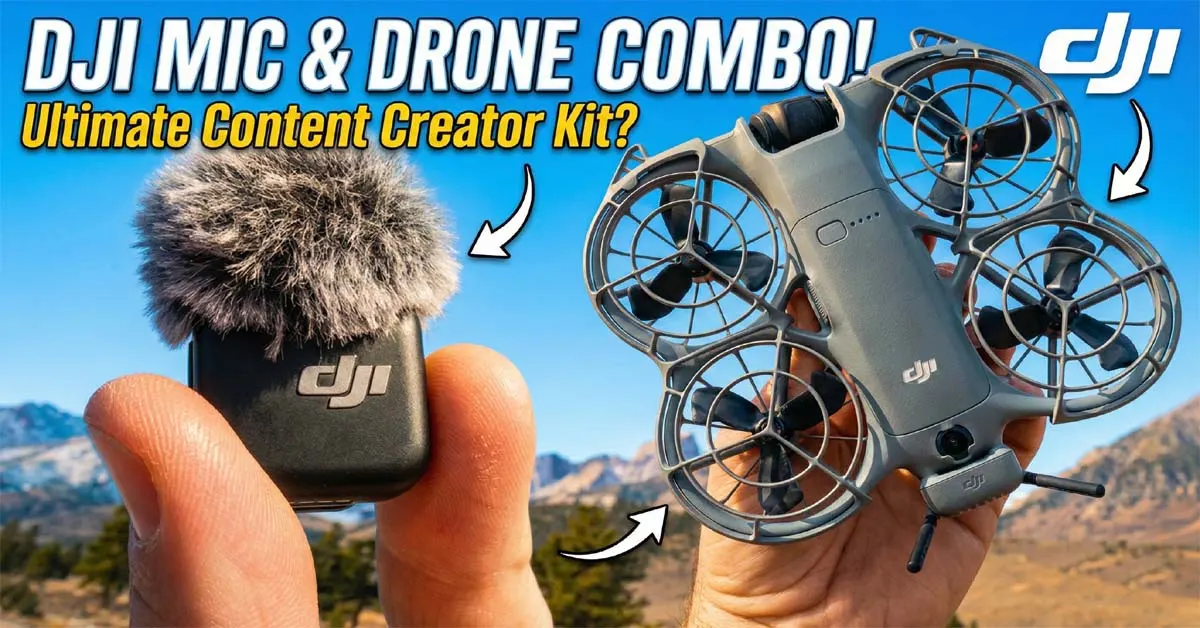
Adventure filmmaker Jeven Dovey recently revealed a powerful—but surprisingly overlooked—feature inside the DJI Neo 2: the ability to record synchronized, clean audio during flight by using a microphone connected to your smartphone.
For creators who film walk-and-talks or vlogs, this solves a huge problem—drone noise ruining the audio.
A Simple 3-Piece Setup for Pro-Level Sound
The audio trick requires only:
-
DJI Neo 2
-
A smartphone
-
Any external microphone
According to Dovey, the Neo 2 automatically pulls audio from whatever microphone is connected to the phone—wired or wireless.
He tested two different mic setups:
-
DJI Mic 3 via Bluetooth
-
Insta360 Mic Air plugged into USB-C
Both worked exactly the same inside the DJI Fly app, giving creators flexibility to use their preferred mic system.
How the Sync Audio Feature Works
When the drone is in the air, users simply tap the microphone icon on the right side of the DJI Fly interface. A warning message appears:
“You can use the mobile device, remote controller, built-in mic, external mic to record audio for aerial videos. Do not turn off the screen or switch to other apps during recording.”
This detail matters.
Your phone’s screen must stay active.
If the screen turns off or you switch apps, the audio connection stops immediately.
With the feature enabled, the app shows an audio level waveform, confirming that the microphone feed is being recorded in real time.
Jeven demonstrated that the Neo 2 uses automatic noise reduction, removing drone sounds and focusing on the speaker’s voice:
“You don’t hear any of the drone… it cleans up the audio so you have just your voice.”
Audio Is Embedded Directly Into Video Files
Unlike traditional dual-system audio setups, the Neo 2 bakes the audio directly into the video clip.
That means:
-
No external audio files
-
No manual syncing
-
No extra editing steps
Dovey pointed out that when the footage is imported into editing software, you’ll immediately see waveforms attached to the video.
For fast-paced creators, this is a major time-saver.
Practical Tips for Filming Walk-and-Talks
Since the phone must stay on the flight screen, creators need to place it somewhere accessible, such as:
-
A jacket pocket
-
A chest pouch
-
A backpack side pocket
-
Holding it in hand (if it doesn’t ruin the shot)
The main challenge is avoiding accidental touches or exiting the app mid-recording.
Alternative: Record 32-Bit Float Audio for Maximum Quality
For creators who want the cleanest audio possible, there is another option: record audio separately on the microphone in 32-bit float.
This method requires:
-
A hand clap for syncing marks
-
Manual alignment in post-production
While it adds work, 32-bit float audio provides broadcast-level quality and prevents clipping.
Why This Feature Matters for Creators
Jeven Dovey’s discovery shows that the Neo 2 isn’t just a beginner drone—it has tools professional creators will appreciate.
Most marketing focused on:
-
Tracking upgrades
-
Obstacle avoidance
-
Portability
But this hidden audio feature solves a real problem for:
-
YouTubers
-
Vloggers
-
Travel filmmakers
-
One-person production teams
Previously, creators needed complicated audio rigs or silent B-roll. Now, they can get usable, clean dialogue directly from a flying drone.
The only limitation is the smartphone dependency. Keeping the screen active during movement is not ideal, but it’s still an incredibly useful workaround.
Final Thoughts
With features like synchronized audio recording, the DJI Neo 2 is proving to be far more than a selfie drone. As more creators experiment with it, expect to see new techniques and hidden capabilities emerge.
What’s your take on this feature? Does synced drone audio make your workflow easier? Let me know in the comments!
Related Post:
DJI Neo 2 Review 2025: The Most Accessible Follow-Me Drone You Can Buy